

Stop Guessing: 5 Simple Ways to Find a Value in Nested JSON
Sometimes you don’t need a whole query language. You just need one value, buried three levels deep in a JSON blob, and you need it now. Learning JSONPath for that feels like overkill. So let’s skip it. Here are 5 plain Python and JavaScript techniques that’ll get you there, tested against real nested data so you know they actually hold up.
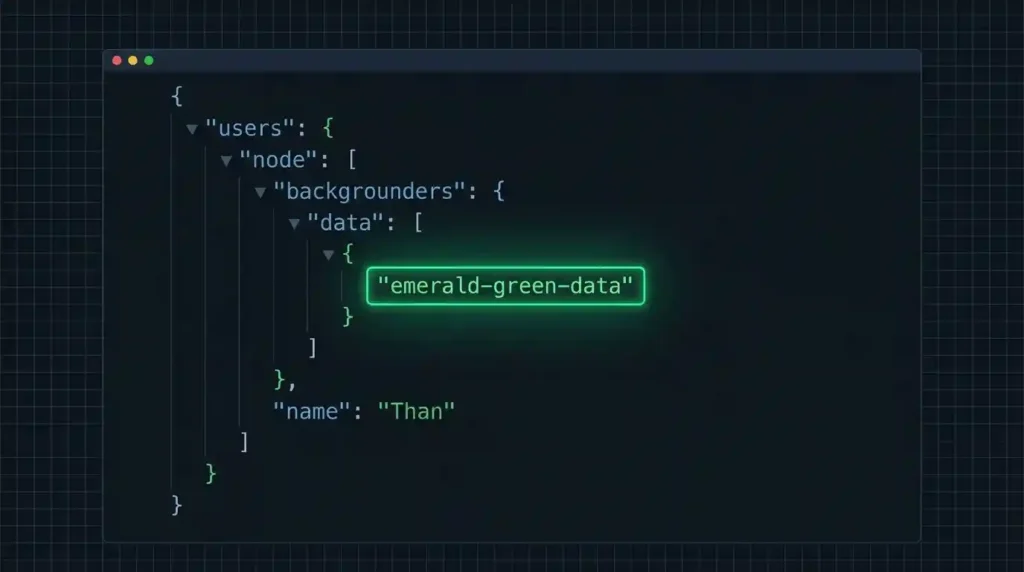
1. Direct Chaining, When You Know the Exact Path
If you already know exactly where the value lives, this is the simplest option there is. Just chain your way in.
data = {
    "user": {
        "profile": {
            "name": "Alex"
        }
    }
}

print(data["user"]["profile"]["name"])
# Alex
Fast, obvious, and it works fine right up until one of those keys doesn’t exist. Then it blows up. That’s what the next two techniques fix.
2. Safe Fallbacks With .get() in Python
A missing key in the middle of a chain crashes the whole thing with a KeyError. Chained .get() calls sidestep that entirely, falling back to whatever default you give it instead of throwing.
value = data.get("user", {}).get("profile", {}).get("nickname", "N/A")
print(value)
# N/A — no crash, even though "nickname" doesn't exist
We ran this against real nested data with a genuinely missing key, and it came back clean with the fallback value every time. No exceptions, no crash, no drama.
3. Optional Chaining in JavaScript
JavaScript’s answer to the same problem is optional chaining, paired with the nullish coalescing operator for a fallback value.
const value = data.user?.profile?.nickname ?? "N/A";
console.log(value);
// N/A — same idea, no crash
Same result as technique #2, just JavaScript syntax instead of Python’s .get() chain. We tested this one too, against the same kind of missing-key scenario, and it held up exactly the same way.
4. Recursive Path Finding, When You Don’t Know Where It Is
Here’s the harder, more common problem. You know the key name you’re after — say, "value" — but you don’t know where it’s sitting, or there might be several of them scattered across nested arrays and objects. This is exactly the situation where people reach for JSONPath. You don’t have to. A short recursive function does the same job.
def find_all(obj, target_key, path=''):
    results = []
    if isinstance(obj, dict):
        for k, v in obj.items():
            new_path = f'{path}.{k}' if path else k
            if k == target_key:
                results.append((new_path, v))
            results.extend(find_all(v, target_key, new_path))
    elif isinstance(obj, list):
        for i, item in enumerate(obj):
            results.extend(find_all(item, target_key, f'{path}[{i}]'))
    return results
We tested this against a realistic structure — a user object with an array of contact records buried two levels down — and it found both matches, with the exact path to each:
find_all(data, 'value')
# [('user.profile.contacts[0].value', 'alex@example.com'),
#  ('user.profile.contacts[1].value', '555-0100')]
Ask it for a key that doesn’t exist anywhere, and it just returns an empty list. No crash.
The JavaScript version walks Object.entries() and arrays the same way:
function findAll(obj, targetKey, path = '') {
  let results = [];
  if (obj !== null && typeof obj === 'object') {
    if (Array.isArray(obj)) {
      obj.forEach((item, i) => {
        results = results.concat(findAll(item, targetKey, `${path}[${i}]`));
      });
    } else {
      for (const [k, v] of Object.entries(obj)) {
        const newPath = path ? `${path}.${k}` : k;
        if (k === targetKey) results.push([newPath, v]);
        results = results.concat(findAll(v, targetKey, newPath));
      }
    }
  }
  return results;
}
Same behavior, same tested reliability.
5. Multi-Match Value Scanning, When You’re Searching by Value Instead of Key
This one’s the flip side of technique #4. Instead of hunting for a specific key name, sometimes you’re hunting for a specific value and want to know every place it shows up. One small change to the recursive function handles that:
def find_by_value(obj, target_value, path=''):
    results = []
    if isinstance(obj, dict):
        for k, v in obj.items():
            new_path = f'{path}.{k}' if path else k
            if v == target_value:
                results.append(new_path)
            results.extend(find_by_value(v, target_value, new_path))
    elif isinstance(obj, list):
        for i, item in enumerate(obj):
            results.extend(find_by_value(item, target_value, f'{path}[{i}]'))
    return results
We tested this against the same nested data, searching for two different values that appear at completely different depths:
find_by_value(data, 'email')
# ['user.profile.contacts[0].type']

find_by_value(data, 'dark')
# ['settings.theme']
Found both, one buried inside an array of objects, one sitting at the top level — same function, no special-casing needed for either.
When None of These Are Enough Anymore
All five of these techniques will take you a long way for a one-off lookup or a debugging script. But they start feeling clunky once you need real query logic — filtering by multiple conditions at once, or something like “give me every user over 18.” That’s genuinely the point where JSONPath starts to earn its keep, since it’s built specifically for expressive queries like that. We’ll cover it in a dedicated guide soon.
If you’re not sure your data is even shaped the way you think before you start writing any of this, running it through our JSON Formatter and Validator first is a good habit — it’s a lot easier to write a search function against structure you can actually see.
A Note on Arrays of Objects
A lot of real-world JSON isn’t just nested objects, it’s arrays of objects, and that trips people up. If you’ve read our piece on JSON arrays vs objects, you already know why an array holds a list of similar things, and you usually need to loop through it rather than access it by name. Every technique above already handles this, since each one walks arrays and objects the same way, which is exactly why they still work when the value you’re after is sitting inside a list.
Frequently Asked Questions
-
Which of these five should I actually use?
Start with technique #1 or #2/#3 if you already know roughly where the value is. Reach for #4 or #5 the moment you’re not sure, or you suspect the value might show up more than once.
-
Is a recursive search slower than JSONPath?
For small to medium JSON, the difference is negligible. For huge documents searched repeatedly, a dedicated JSONPath library is usually more optimized, but that’s rarely the bottleneck for a one-off lookup.
-
What if the same key appears at multiple levels with different meanings
Technique #4 returns every match with its full path, so you can tell them apart by where they came from, not just the key name alone.
-
Does this handle deeply nested arrays inside arrays?
Yes. Since every function here calls itself on every list item and every dict value, it keeps recursing no matter how deep the nesting goes, in any combination of arrays and objects.
Summary
Five methods for doing this, all tried on actual nested data: direct chaining if you already have the path; safe .get() calls in Python; optional chaining in JavaScript; recursive searching by key; and recursive searching by value. All of which will allow you to handle almost every instance of “find this one thing in a bunch of JSON” without JSONPath, leaving that for when you really do need to filter and query.



One Comment