Converting JSON to TypeScript Interfaces
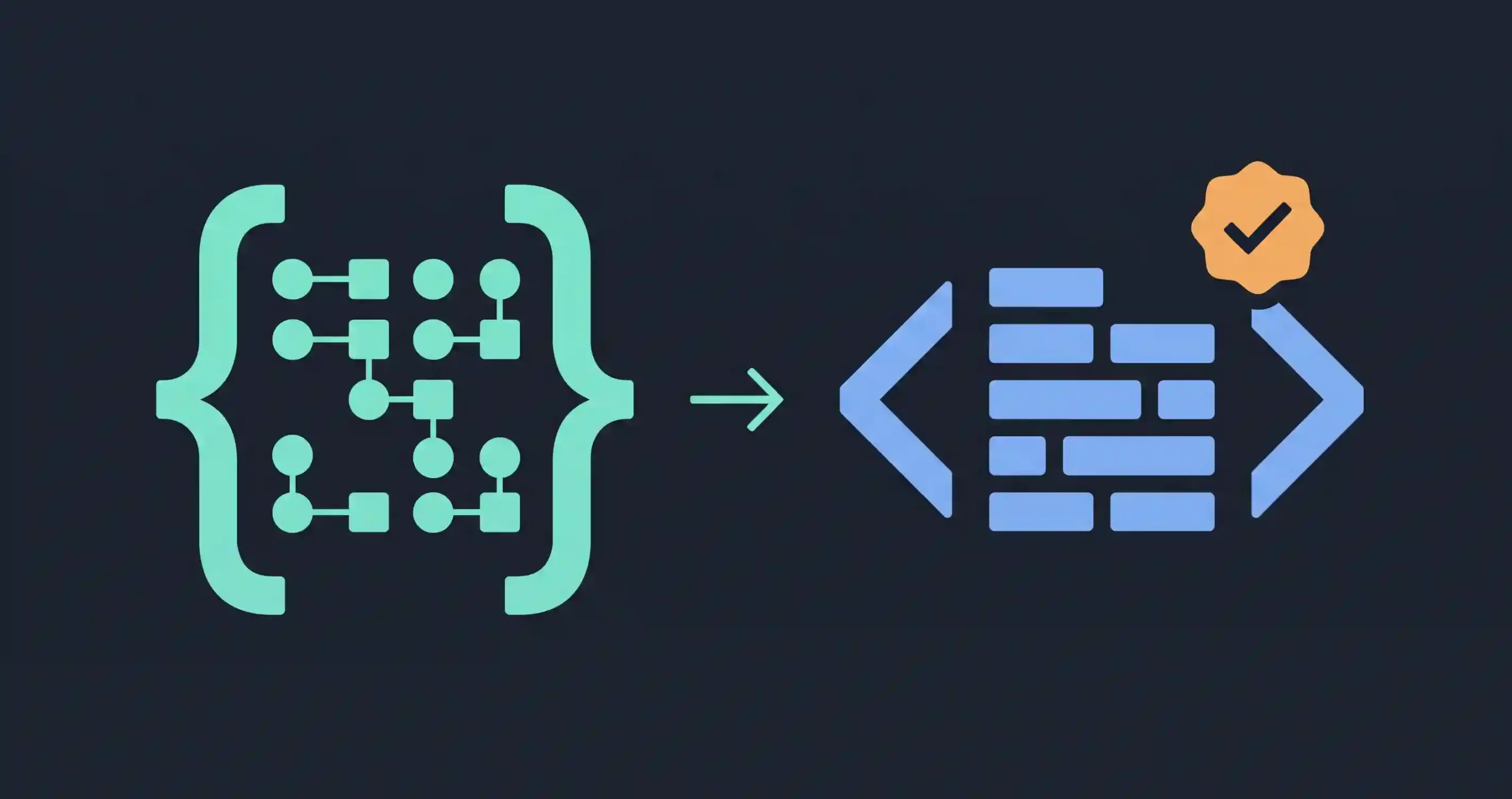
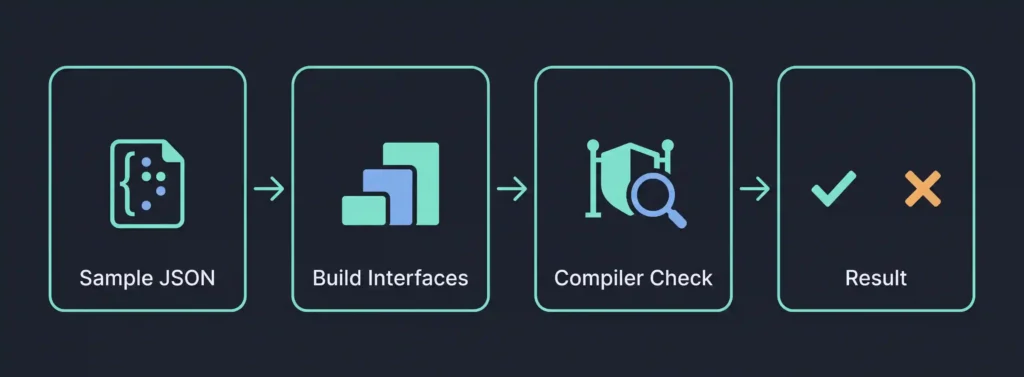
You’ve got a JSON response from an API and you want TypeScript to actually catch it when your code uses the wrong field or the wrong type. That means writing an interface that matches the JSON’s real shape. We built one by hand from a realistic nested payload and ran it through the actual TypeScript compiler in strict mode, so what’s below is confirmed to work, not just plausible-looking code.
Starting From Real JSON
Here’s the sample data we’re working from, deliberately including a few of the trickier cases, a nested object, an array of primitives, an array of objects, and a nullable field:
{
  "id": 1,
  "name": "Alex",
  "active": true,
  "tags": ["admin", "editor"],
  "address": {
    "city": "Lahore",
    "zip": null
  },
  "orders": [
    { "orderId": 101, "total": 49.99 }
  ]
}
Building the Interfaces
The rule of thumb is simple, work from the inside out. Nested objects and arrays of objects each get their own interface, then the top-level interface references them.
interface Order {
  orderId: number;
  total: number;
}

interface Address {
  city: string;
  zip: string | null;
}

interface User {
  id: number;
  name: string;
  active: boolean;
  tags: string[];
  address: Address;
  orders: Order[];
}
A few things worth pointing out here, since they’re easy to get wrong the first time:
zip: string | null, not juststring. The sample data haszipasnull, and if your interface saysstringwithout the union, TypeScript will complain the moment you try to assign that actual value.tags: string[]for an array of primitives, plain and simple.orders: Order[]for an array of objects, referencing the separate interface rather than trying to inline the shape.address: Address, referencing the nested interface rather than writing the nested shape inline. You can inline it if you want, but separate interfaces read better once things get more complex than this.
Confirming It Actually Works
We didn’t just write this and assume it was right. We assigned the real sample data to a variable typed as User and ran it through tsc --strict:
const data: User = {
  id: 1,
  name: "Alex",
  active: true,
  tags: ["admin", "editor"],
  address: { city: "Lahore", zip: null },
  orders: [{ orderId: 101, total: 49.99 }]
};
Clean compile, zero errors. Then, to confirm the interface was actually doing its job and not just accepting anything, we deliberately broke it:
const badData: User = {
  id: "1", // wrong type on purpose
  name: "Sam",
  active: true,
  tags: ["viewer"],
  address: { city: "Karachi", zip: null },
  orders: []
};
The compiler caught it immediately:
error TS2322: Type 'string' is not assignable to type 'number'.
That’s the entire point of doing this in the first place. A correctly-shaped interface passes silently. A real mismatch, id coming back as a string instead of a number, which genuinely happens with real-world APIs more than you’d hope, gets flagged before your code ever runs, not discovered later as a runtime bug.
Handling Fields That Might Not Always Be There
Real API responses are often less consistent than a clean sample suggests. If a field is sometimes present and sometimes missing entirely, rather than present-but-null, mark it optional with a ? instead of assuming it’ll always be there:
interface User {
  id: number;
  name: string;
  nickname?: string; // might not be present at all
}
That’s a different situation from zip: string | null, where the field is always present but its value might be null. Optional (?) means the key itself might not exist. A union with null means the key exists but its value might be null. Mixing these up is a common source of confusion, and picking the wrong one either lets bad data through or makes TypeScript complain about perfectly valid data.
Where This Gets Harder: Inconsistent or Unknown Shapes
Everything above assumes you know the shape ahead of time. For JSON where the structure genuinely varies, or where you’re dealing with a field that could be one of several different shapes depending on context, TypeScript’s union types and type guards handle that, but that’s a deeper topic than a single sample payload can cover well. For a one-off API response with a fairly consistent shape, what’s covered here will get you a working, genuinely type-checked interface.
Checking Your Sample Data First
Since interfaces are only as accurate as the sample JSON you build them from, it’s worth confirming that sample is actually valid and complete before you start typing out interfaces by hand. Running it through our JSON Formatter and Validator first catches a malformed sample before you spend time writing an interface based on something that wasn’t quite right to begin with.
Frequently Asked Questions
-
Should I use
interfaceortypefor this?Either works for this kind of object shape.
interfaceis more common convention for describing object shapes like these, and it’s what we used here, buttypealiases can express the same thing. -
Are there tools that generate these interfaces automatically?
Yes, several exist, and they’re genuinely useful for large or deeply nested JSON where hand-writing every interface would take a while. Worth using for bigger payloads. Writing them by hand, as covered here, is worth understanding once so you can sanity-check what a generator produces, since automated tools occasionally guess wrong on edge cases like the nullable-versus-optional distinction above.
-
What happens if the real API response doesn’t match my interface?
TypeScript’s type checking happens at compile time, based on what you tell it the shape is. It has no way to verify the actual runtime data matches unless you add separate runtime validation, so a mismatched interface can still let bad data through silently at runtime, even though your code compiled cleanly.
-
Does this same approach work for arrays at the top level instead of a single object?
Yes, you’d just type the variable as
User[]instead ofUser, referencing the same interfaces underneath.
Summary
Building a TypeScript interface from JSON means working from the inside out, nested objects and object arrays each get their own interface, referenced by the top-level one. We confirmed this actually works by compiling real sample data against it in strict mode, and confirmed it actually catches mistakes by deliberately breaking the data and watching the compiler flag it. The nullable-versus-optional distinction is the detail most likely to trip you up, worth getting right since it changes what your interface actually permits.