Validating JSON in R With jsonlite
R isn’t the first language people associate with JSON — it’s built for statistics and data analysis, not web APIs — but a huge amount of real-world data analysis work starts with pulling JSON from an API, a data export, or a config file, and R handles this surprisingly well through the jsonlite package. This guide covers how to parse, validate, and generate JSON in R, along with a couple of behaviors that are genuinely specific to how R represents data, not just a syntax translation of what you’d do in another language.
Installing jsonlite
jsonlite isn’t part of base R, but it’s a standard, widely-used CRAN package:
install.packages("jsonlite")
library(jsonlite)
Parsing JSON: fromJSON()
The core function for reading JSON into R is fromJSON():
data <- fromJSON('{"name": "Kings Tools", "free": true, "version": 2}')
str(data)
Output:
List of 3
 $ name   : chr "Kings Tools"
 $ free   : logi TRUE
 $ version: int 2
Simple objects become named R lists, with each of JSON’s core data types mapped to a sensible R equivalent — strings become character vectors, booleans become logical values, and numbers become integers or doubles depending on the value.
The Feature That Sets jsonlite Apart: Automatic Data Frame Conversion
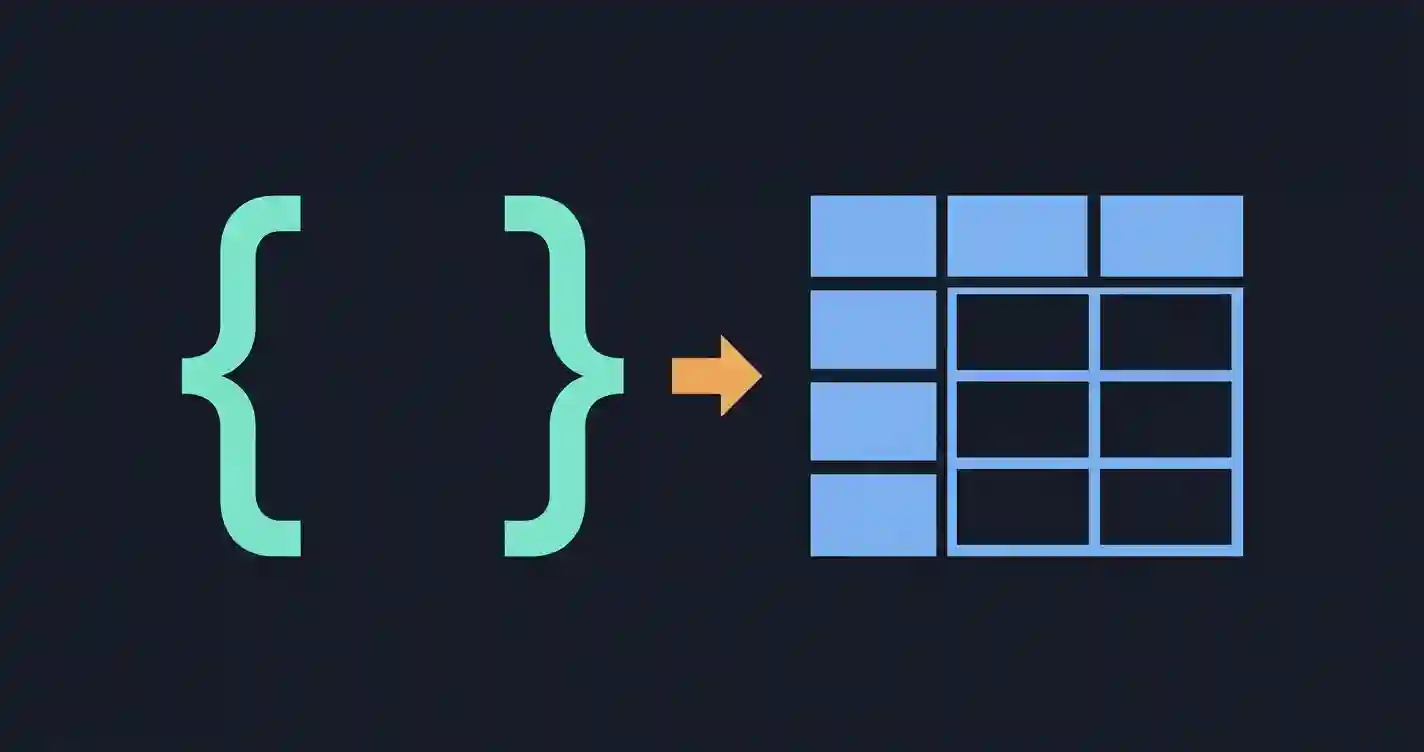
This is the behavior that makes jsonlite genuinely different from JSON libraries in other languages, and it’s the main reason R developers reach for it specifically. When you parse a JSON array of objects that share the same structure — the exact shape you’d get from a typical API response listing multiple records — fromJSON() automatically converts it into a data frame, R’s native tabular data structure:
users_json <- '[{"name":"Alex","age":29},{"name":"Sam","age":34}]'
df <- fromJSON(users_json)
print(df)
Output:
  name age
1 Alex  29
2  Sam  34
No manual reshaping required — fromJSON() recognizes the array-of-similar-objects pattern and hands you back something immediately usable with the rest of R’s data analysis tooling (dplyr, ggplot2, and so on). This single behavior is why jsonlite tends to fit naturally into an R-based data workflow in a way that a more literal parser wouldn’t.
Validating JSON Without Fully Parsing It
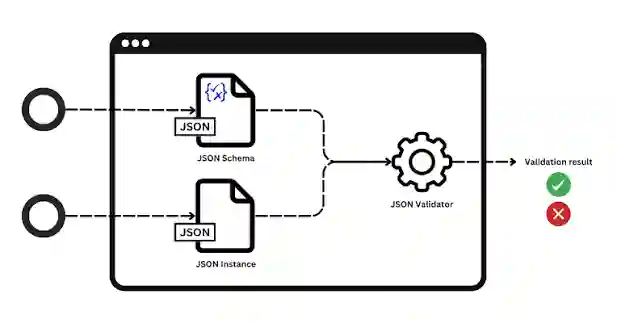
If you just need a yes/no check rather than the parsed data itself, jsonlite provides a dedicated validate() function:
validate('{"a":1}')     # TRUE
validate('{"a":1,}')    # FALSE
This is a cleaner option than wrapping fromJSON() in a tryCatch() block when all you actually need is a boolean result — useful for quick sanity checks before committing to a full parse, especially in a script that processes many JSON files and needs to skip or flag invalid ones without stopping entirely.
Catching Parse Errors
For cases where you do need to know why JSON failed, not just that it did, wrap fromJSON() in tryCatch():
result <- tryCatch({
  fromJSON('{"name": "Kings Tools", "version": 2,}')
}, error = function(e) {
  message("Error caught: ", conditionMessage(e))
  NULL
})
Output:
Error caught: parse error: invalid object key (must be a string)
           "Kings Tools", "version": 2,}
                     (right here) ------^
jsonlite‘s error messages include a visual pointer to the exact problem location, which is a genuinely helpful touch — it’s a similar idea to what a dedicated JSON validator shows you visually in a browser, just rendered as text in the R console instead. If you’re not yet familiar with why this particular JSON was rejected, our guide to the most common JSON syntax mistakes covers trailing commas and the other usual culprits in more depth.
Serializing R Data Back to JSON: toJSON()
Going the other direction, toJSON() converts R objects into JSON strings:
obj <- list(tool = "formatter", modes = c("beautify", "minify"), free = TRUE)
toJSON(obj, auto_unbox = TRUE)
Output:
{"tool":"formatter","modes":["beautify","minify"],"free":true}
The auto_unbox Gotcha
This is the single most common point of confusion for people new to jsonlite, and it’s worth understanding clearly. By default, toJSON() wraps every value in an array, even single, scalar values — because R doesn’t have a strict distinction between a single value and a vector of length one, and jsonlite defaults to treating everything as a vector:
obj2 <- list(name = "Alex", age = 29)

toJSON(obj2)
# {"name":["Alex"],"age":[29]}   <- unexpected arrays around single values

toJSON(obj2, auto_unbox = TRUE)
# {"name":"Alex","age":29}       <- the expected, "normal" JSON shape
If your output JSON looks correct in structure but every value is unexpectedly wrapped in square brackets, auto_unbox = TRUE is almost always the fix. It’s easy to miss this option entirely when you’re new to the package, since the default behavior is technically valid JSON — just not the shape most people expect or that most APIs expect to receive.
Pretty-Printing JSON Output
For readable, indented output rather than a single compact line, add pretty = TRUE:
toJSON(obj, auto_unbox = TRUE, pretty = TRUE)
{
  "tool": "formatter",
  "modes": ["beautify", "minify"],
  "free": true
}
Converting a Data Frame Directly to JSON
Since data frames are R’s native tabular structure, converting one to JSON is a common, well-supported operation — and it mirrors the array-of-objects conversion fromJSON() does in reverse:
df <- data.frame(name = c("Alex", "Sam"), age = c(29, 34))
toJSON(df)
Output:
[{"name":"Alex","age":29},{"name":"Sam","age":34}]
This round-trip — JSON array of objects into a data frame, and back out again — is genuinely one of the more elegant aspects of working with JSON in R, and it’s a meaningfully different experience than the equivalent process in a language like Python, where you’d typically get a list of dictionaries rather than a ready-to-use tabular structure without an extra conversion step.
Frequently Asked Questions
Does jsonlite handle nested JSON structures well?
Yes, though deeply nested JSON with inconsistent structure between array elements can produce a nested list rather than a clean data frame, since the automatic data-frame conversion works best when every object in an array shares the same fields. Irregularly shaped JSON may need flatten = TRUE passed to fromJSON(), which attempts to flatten nested structures into flat data frame columns.
Is jsonlite the only JSON package available for R?
No — rjson and RJSONIO are older alternatives, but jsonlite is the most widely used today, largely because of its data-frame-aware behavior and more consistent handling of edge cases like the ones covered above.
Can I validate JSON against a schema in R, not just check syntax?
jsonlite‘s validate() only checks syntax validity, not structural rules like required fields or data types. For schema validation specifically, separate packages like jsonvalidate exist on top of jsonlite.
Why does my parsed number sometimes come back as a double instead of an integer?
R’s fromJSON() generally follows R’s own type inference rules for numbers, similar to how read.csv() behaves — a column or value that could be a whole number but might reasonably contain decimals elsewhere often gets typed as double for consistency, particularly within data frame columns where every value in a column must share one type.
Summary
jsonlite covers the same fundamental operations as any JSON library — parsing, validating, and generating JSON — but its standout feature is genuinely specific to R: automatic conversion between JSON arrays of objects and R data frames, in both directions. The auto_unbox behavior is the one detail worth remembering before it causes confusing, unexpectedly-bracketed output, and validate() is a convenient shortcut whenever a full parse isn’t necessary, just a straightforward valid-or-not answer.