YAML vs JSON: Choosing the Right Format for Config Files
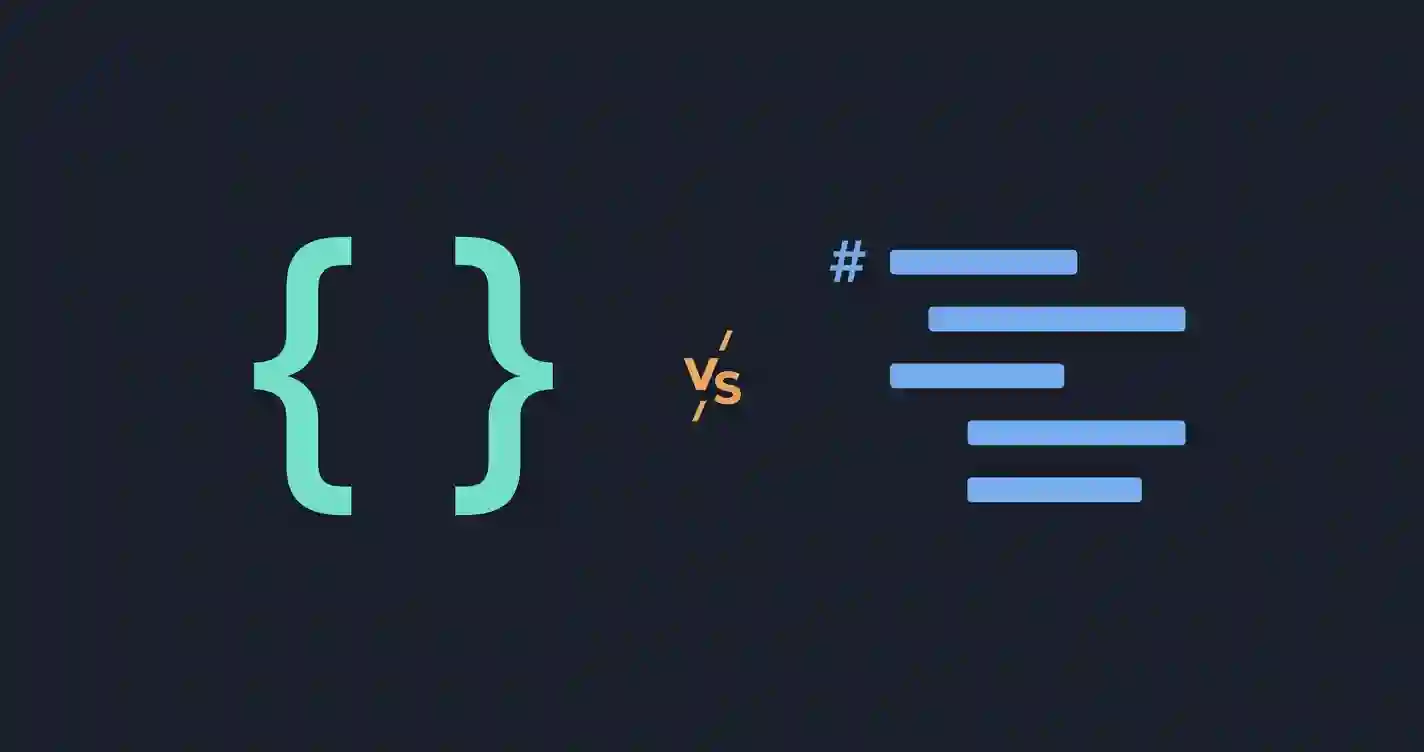
YAML vs JSON is a decision most developers run into sooner or later, especially when setting up configuration files, CI/CD pipelines, or Docker Compose files — many tools support both formats, leaving the choice up to you. This guide breaks down the real differences, where each format actually wins, and how to decide for your specific use case.
JSON vs YAML at a Glance
| JSON | YAML | |
|---|---|---|
| Syntax style | Brackets, quotes, commas | Indentation-based, minimal punctuation |
| Comments | Not supported | Supported (#) |
| Readability | Good, but visually dense | Excellent — closest to plain English |
| Whitespace sensitivity | None | High — indentation errors break parsing |
| Common use today | APIs, data exchange | Config files, CI/CD pipelines, infrastructure-as-code |
| Parsing speed | Fast | Slower (more complex spec) |
What Is YAML?
YAML (“YAML Ain’t Markup Language”) represents data using indentation and minimal punctuation, designed specifically to be easy for humans to read and write by hand:
name: Alex
age: 29
isActive: true
roles:
  - admin
  - editor
YAML is a superset of JSON in terms of the data it can represent — in fact, any valid JSON document is also technically valid YAML, since YAML’s spec was designed to be JSON-compatible. But in practice, people write YAML in its own distinct, indentation-based style rather than JSON’s bracket style.
What Is JSON?
JSON represents the same data using brackets, quotes, and commas:
{
  "name": "Alex",
  "age": 29,
  "isActive": true,
  "roles": ["admin", "editor"]
}
JSON’s stricter, more explicit syntax makes it easier to parse programmatically and less prone to certain classes of formatting errors — trade-offs we’ll get into below. If you work with JSON regularly, our JSON Formatter and Validator is a fast way to catch syntax errors and clean up messy JSON directly in your browser.
YAML vs JSON: A Side-by-Side Example
Here’s a yaml vs json example that’s slightly more realistic than a flat object — a simple config file, in both formats:
YAML:
server:
  port: 8080
  host: localhost
database:
  name: myapp
  ssl: true
JSON:
{
  "server": {
    "port": 8080,
    "host": "localhost"
  },
  "database": {
    "name": "myapp",
    "ssl": true
  }
}
Notice YAML needs no brackets, quotes around keys, or commas — nesting is expressed purely through indentation. This is exactly why YAML has become the default for hand-written config files: there’s less visual noise between you and the actual data.
Key Differences Between JSON and YAML
Whitespace sensitivity. This is the single biggest practical difference. YAML’s structure depends entirely on consistent indentation — mixing tabs and spaces, or getting indentation levels wrong, silently breaks the file or changes its meaning. JSON’s brackets make structure explicit regardless of whitespace, so accidental indentation changes never affect validity.
Comments. YAML supports # comments natively. Standard JSON has no comment syntax at all, which is a real usability gap for config files that often benefit from inline documentation.
Readability. For simple to moderately nested data, YAML is generally considered more readable — less punctuation to visually parse. For deeply nested or complex structures, some developers find JSON’s explicit brackets easier to follow precisely because they don’t have to mentally track indentation levels.
Data types and quoting. YAML is more permissive — strings often don’t need quotes at all (name: Alex is valid). This convenience comes with a well-known YAML gotcha: country: NO can be silently interpreted as the boolean false in some YAML parsers (since NO is a recognized boolean alias), not the string “NO” for Norway. JSON has no equivalent ambiguity — every string is explicitly quoted, so there’s no guessing involved.
Parsing complexity. JSON has a small, simple grammar that’s fast and straightforward to parse. YAML’s specification is considerably larger and more complex, supporting features like anchors, aliases, and multiple document types within one file — powerful, but it makes YAML parsers slower and occasionally inconsistent between different implementations.
When YAML Is the Better Choice
- Configuration files meant to be hand-edited regularly by humans — YAML’s lower visual noise genuinely helps here
- CI/CD pipelines (GitHub Actions, GitLab CI, CircleCI all use YAML) — this is now the de facto standard in that space
- Infrastructure-as-code (Kubernetes manifests, Docker Compose, Ansible playbooks) — the ecosystem has broadly standardized on YAML
- Files that benefit from inline comments explaining non-obvious settings
When JSON Is the Better Choice
- APIs and data exchange — JSON’s stricter syntax and universal parsing support make it the safer choice for machine-to-machine communication
- Programmatically generated files — since JSON is generated and consumed by code rather than hand-edited, YAML’s human-readability advantages matter less, while JSON’s simpler, less error-prone grammar matters more
- Performance-sensitive contexts — JSON’s simpler spec means faster parsing, which matters at scale
- Any situation where strict, unambiguous validation matters more than hand-editing convenience
JSON vs YAML vs TOML
TOML is a third configuration format worth a brief mention, designed specifically to be more predictable than YAML while staying more readable than JSON — it uses explicit key-value syntax similar to .ini files. TOML has gained traction in specific ecosystems (Rust’s Cargo, Python’s pyproject.toml) but hasn’t seen anywhere near YAML’s broad adoption across CI/CD and infrastructure tooling. For most config file decisions today, it’s still primarily a JSON vs YAML choice, with TOML as a solid niche alternative worth knowing about rather than a default contender.
OpenAPI: JSON or YAML?
This is a genuinely common real-world decision point. The OpenAPI specification (used for documenting REST APIs, formerly known as Swagger) officially supports both JSON and YAML for the same document — the openapi json vs yaml choice comes down to preference and workflow, not correctness, since neither format is more “official” than the other. In practice, most teams choose YAML for OpenAPI specs specifically because they’re usually hand-maintained and benefit from comments and lower visual noise, while JSON tends to be used when the spec is generated programmatically from code annotations rather than edited directly. If you’re deciding for your own project, the same rule of thumb from above applies: hand-edited favors YAML, machine-generated favors JSON.
What About XML?
If you’re weighing all three major data formats in a json vs xml vs yaml comparison, not just JSON and YAML, our JSON vs XML comparison covers where XML still fits in — namely document-centric data and namespace-heavy enterprise systems, neither of which YAML addresses either. Broadly: JSON wins for APIs, YAML wins for config files, and XML holds on in document markup and legacy enterprise contexts.
Frequently Asked Questions
Is YAML just a more readable version of JSON?
Not exactly — while any JSON is technically valid YAML, YAML adds its own features (comments, anchors, multi-document files) and its own risks (whitespace sensitivity, implicit type conversion) that pure JSON doesn’t have. It’s not a strict superset in terms of tooling and safety, just in terms of what data it can represent.
Can I convert YAML to JSON automatically?
Yes, this is a well-solved, widely available conversion in virtually every programming language, since YAML’s data model was designed to map cleanly onto JSON’s.
Why do CI/CD tools almost always use YAML instead of JSON?
Mostly historical momentum plus genuine usability — early CI/CD tools adopted YAML for its readability and comment support, and the ecosystem standardized around it. Switching away at this point would break broad compatibility for a marginal syntax preference.
Is YAML harder to validate than JSON?
In practice, yes, somewhat — YAML’s more complex specification and whitespace sensitivity mean there are more ways for a file to be subtly wrong (like the boolean-conversion gotcha above) that a simple syntax check might not catch, compared to JSON’s more explicit and less ambiguous structure.
Summary
JSON and YAML aren’t really competing for the same job — JSON’s strict, unambiguous syntax suits APIs and machine-generated data, while YAML’s readability and comment support suit hand-edited configuration files, which is exactly why the CI/CD and infrastructure-as-code world has standardized around it. Understanding the trade-off (YAML’s convenience versus JSON’s precision) matters more than picking a “winner,” since the right answer genuinely depends on whether a human or a machine is doing most of the editing.