JSON Date Format: Handling, Pitfalls, and Best Practices
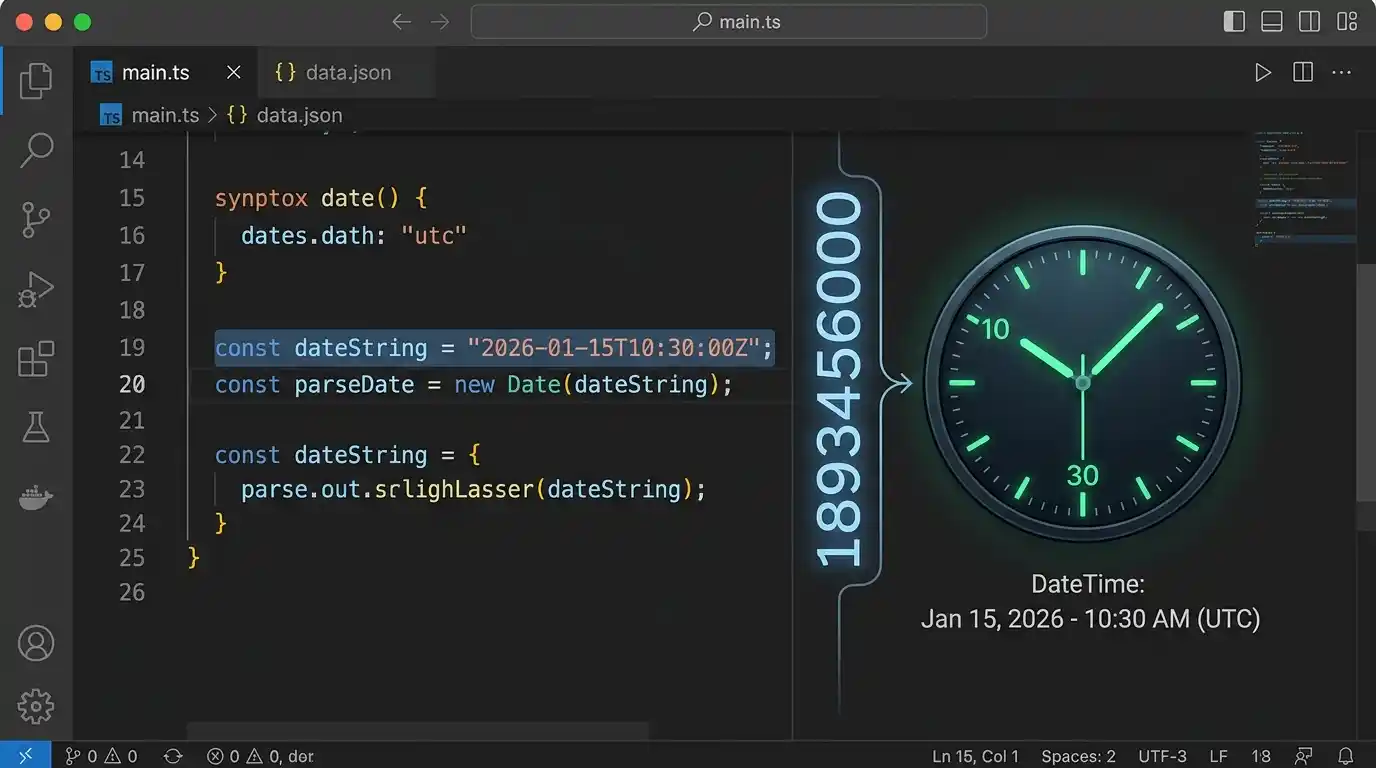
JSON doesn’t have a date type. Never has. Go back and check our breakdown of JSON’s six data types and you won’t find one on the list, because there isn’t one. So every date you’ve ever seen in a JSON payload was actually something else pretending to be a date, and which “something else” it is causes more bugs than you’d expect. Let’s get into what actually works, and what quietly doesn’t.
The Two Real Options
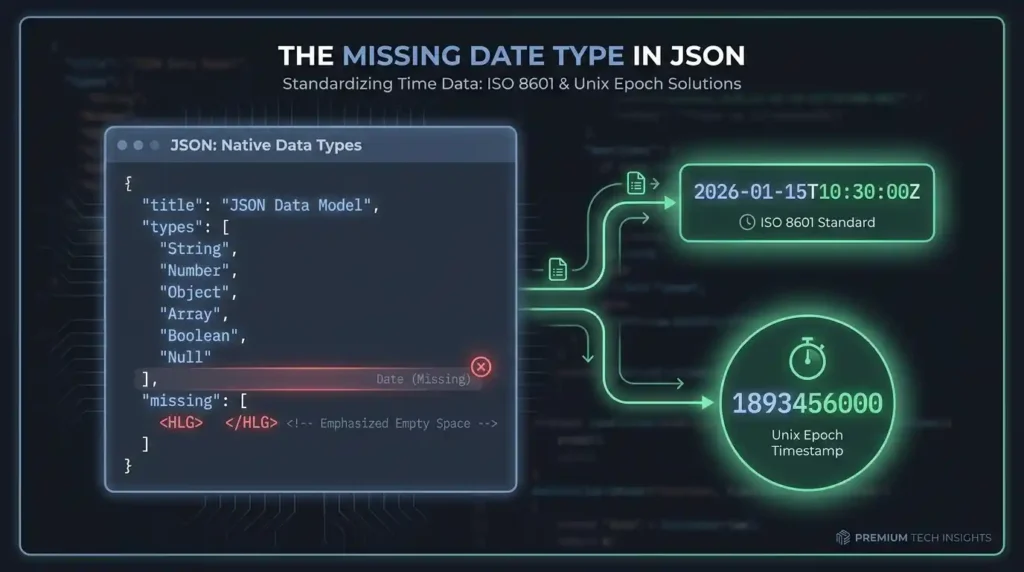
Since JSON can’t hold a native date, you’re really choosing between two conventions, and almost everything you’ll ever encounter is one of these.
ISO 8601 strings. Something like "2026-01-15T10:30:00Z". Readable, unambiguous if you do it right, and the closest thing JSON has to a real date standard.
Unix/epoch timestamps. A plain number representing seconds (or milliseconds) since January 1st, 1970. Something like 1893456000.
Both work. Both also have a specific way to shoot yourself in the foot, so let’s go through each one.
ISO 8601: Get the Timezone Right or Don’t Bother
The whole point of ISO 8601 is that it’s unambiguous, but only if you actually include a timezone. "2026-01-15T10:30:00" with nothing on the end is genuinely ambiguous. Is that 10:30am in the server’s timezone? The user’s? UTC? Nobody can tell just by looking at it.
The fix is simple: always include the Z (meaning UTC) or an explicit offset like +05:00. "2026-01-15T10:30:00Z" leaves no room for guessing. This one habit prevents more date bugs than almost anything else on this list.
A Nice Side Effect Nobody Tells You About
Here’s something genuinely useful about ISO 8601 that isn’t obvious until you test it: these strings sort correctly even as plain text, with zero date parsing involved. We tried it with four dates thrown in random order:
dates = ['2026-03-15T10:00:00Z', '2026-01-05T23:59:00Z',
         '2025-12-31T00:00:01Z', '2026-01-05T08:00:00Z']
sorted(dates)
['2025-12-31T00:00:01Z', '2026-01-05T08:00:00Z',
 '2026-01-05T23:59:00Z', '2026-03-15T10:00:00Z']
Perfect chronological order, from a plain alphabetical string sort. No datetime.parse(), no date library, nothing. This works because ISO 8601 orders its components from biggest to smallest (year, then month, then day, then time), which just happens to make string comparison and date comparison land on the exact same result. Handy when you’re filtering or sorting JSON data in a context where you don’t want to bother parsing every value into a real date object first.
Unix Timestamps: The Bug That’s Way More Common Than It Should Be
Epoch timestamps are compact and timezone-proof, since they’re just a number of seconds from a fixed point. The catch is that some systems use seconds, others use milliseconds, and mixing them up produces a wrong answer that still looks technically valid. No error, no crash. Just wrong.
We tested exactly this. Take a timestamp meant to represent seconds, and feed it to a function expecting milliseconds instead:
const epochValue = 1893456000; // meant as SECONDS

new Date(epochValue).toISOString();
// 1970-01-22T21:57:36.000Z  <- treated as milliseconds, WRONG

new Date(epochValue * 1000).toISOString();
// 2030-01-01T00:00:00.000Z  <- correctly treated as seconds, RIGHT
That’s not a small discrepancy. Getting the units wrong turned a date in 2030 into a date in 1970. A sixty-year error, and nothing in the code would’ve told you it happened. If you’re working with epoch timestamps in a JSON API, check the documentation for which unit it actually uses, every single time. Don’t assume.
Serializing Dates From Your Own Code
This is where the “JSON has no date type” thing actually bites people in practice. Try to directly serialize a native date object in Python, and it just fails.
import json, datetime

json.dumps({'created': datetime.datetime(2026, 1, 1)})
# TypeError: Object of type datetime is not JSON serializable
You have to convert it to a string first, which is exactly the ISO 8601 conversion we’ve been talking about this whole time:
json.dumps({'created': datetime.datetime(2026, 1, 1).isoformat() + 'Z'})
# {"created": "2026-01-01T00:00:00Z"}
If you’re working through the details of JSON in Python more broadly, our full Python JSON guide covers the rest of what json.dumps() will and won’t serialize on its own. JavaScript is friendlier here — JSON.stringify() automatically converts Date objects to ISO strings for you, no extra step needed — but the moment you parse that JSON back, you get a plain string again, not a Date object. You have to convert it back manually on the way in, just like Python does on the way out.
Quick Reference: What to Actually Do
- Default to ISO 8601 strings with an explicit
Zor timezone offset, unless you have a specific reason not to - Reach for epoch timestamps when you specifically need compact size or timezone-agnostic math, and document clearly whether it’s seconds or milliseconds
- Never emit a bare local time with no timezone marker at all — that’s the single most common source of “the date is off by a few hours” bugs
- When receiving epoch timestamps from an API you don’t control, check the units before trusting them; a value like
1893456000(10 digits) is almost always seconds, while1893456000000(13 digits) is almost always milliseconds
Frequently Asked Questions
Why doesn’t JSON just add a native date type?
Dates are more complicated than they look on the surface, timezones, calendars, and leap seconds all included, and there’s no single “correct” way to represent one that fits every use case. JSON stayed intentionally minimal instead of trying to solve that.
Is ISO 8601 always the safest choice?
For most application data, yes. It’s readable, sorts correctly as a plain string, and if you include the timezone, it’s unambiguous. Epoch timestamps make more sense for tight storage or when you’re doing a lot of date math and want to skip parsing.
How do I tell if an epoch timestamp is in seconds or milliseconds just by looking at it?
Count the digits. Current dates in seconds land around 10 digits. The same date in milliseconds lands around 13. Not a guarantee, but a fast sanity check.
Can I validate that a date string in JSON is actually well-formed?
Yes, with a JSON Schema using the "format": "date-time" keyword, which many validators check against the ISO 8601 spec directly, catching a malformed date string before it ever reaches your application logic.
Summary
JSON has no date type, so every date you see is either an ISO 8601 string or an epoch number pretending to be one. ISO 8601 wins on readability and, as we confirmed, sorts correctly even as plain text, as long as you actually include the timezone. Epoch timestamps are compact but the seconds-versus-milliseconds mixup is a real, tested, sixty-year-off kind of bug, not a theoretical one. Pick the format on purpose, not by accident, and you’ll skip most of the date bugs this stuff normally causes.